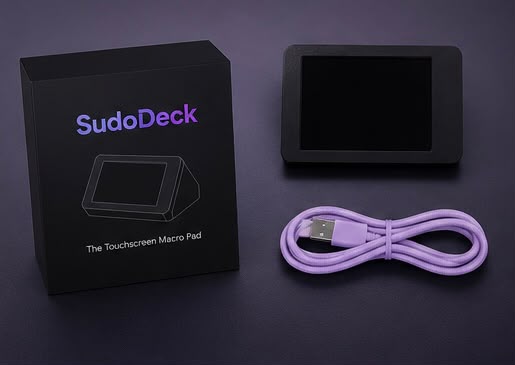
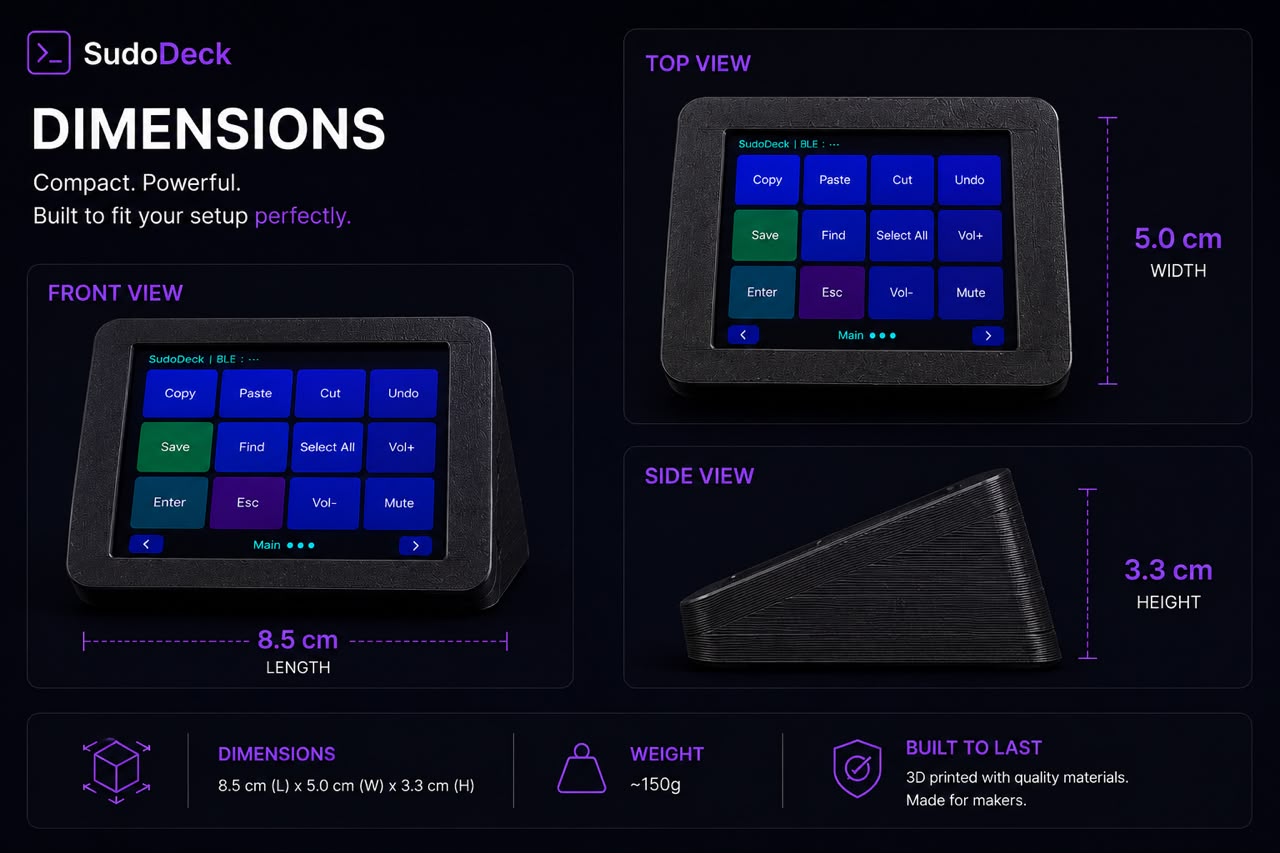
What's in the box?
▼
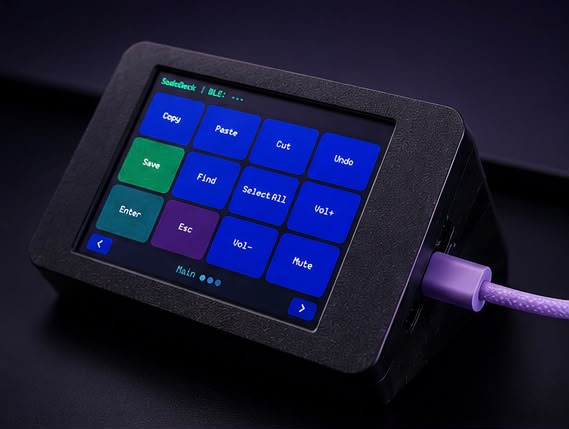
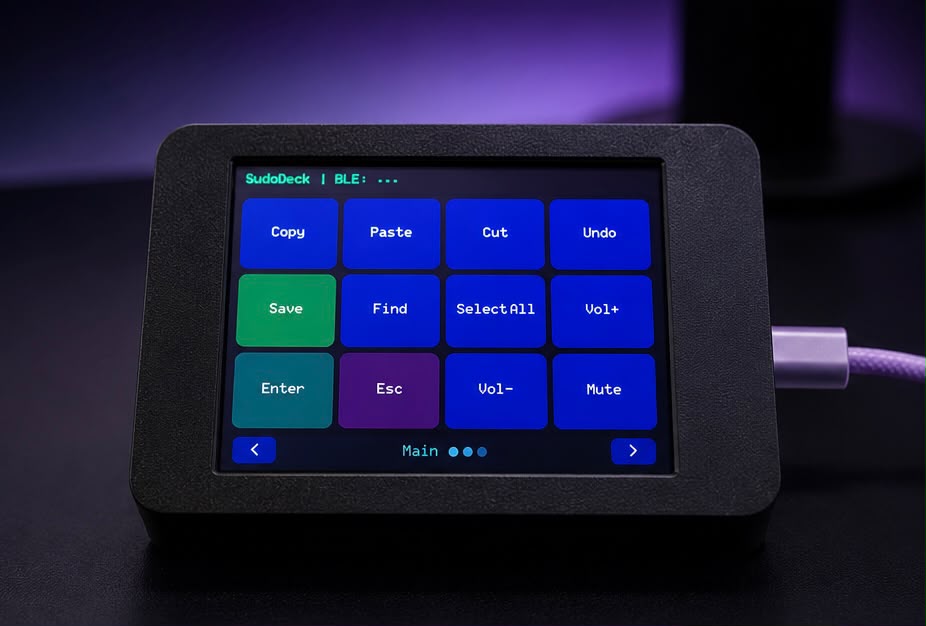
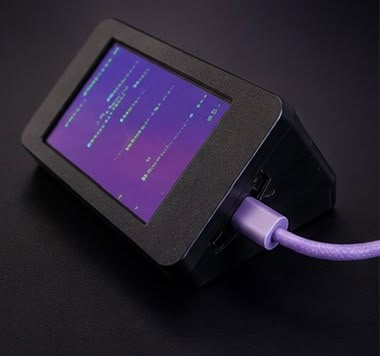
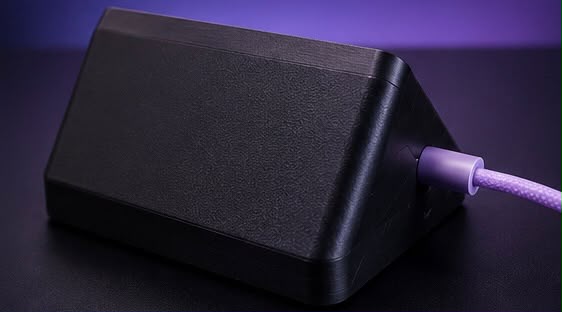
The complete kit includes the E32R28T CYD board (ESP32-WROOM-32E + 2.8" ILI9341 touch display), a 3D-printed PLA enclosure (front and back panels), a USB-C cable for power and data, and the latest SudoDeck firmware pre-flashed and tested.
Do I need to install any software on my computer?
▼
No. SudoDeck uses standard Bluetooth HID — your computer sees it as a regular Bluetooth keyboard. No drivers, no daemons, no background apps. The config tool runs in your browser (Chrome/Edge) via Web Serial. Nothing to install.
What can I do with the buttons?
▼
Each button can send a single key (F1, Enter, etc.), a key combination (CTRL+C, ALT+TAB), type a text string, run a multi-step macro, or launch an app (Windows/macOS/Linux). You can have up to 12 pages with configurable grid sizes.
How do I configure the buttons?
▼
Open the
Configure page in Chrome or Edge. Plug in your SudoDeck via USB, click Connect, select the serial port, and the config tool reads your current layout. Edit labels, colors, actions — then click Write to save to the device. You can also
Export your layout as a JSON file to share with others or keep as a backup, and
Import any JSON config you've saved or received.
How does Bluetooth pairing work?
▼
Unplug USB (or keep it plugged for power — your choice). Open Bluetooth settings on your computer, phone, or tablet. Look for "SudoDeck" in the device list and pair. Pair once, it stays paired permanently. The device appears as a standard keyboard — no special drivers needed.
What is the battery life?
▼
The CYD does not include a built-in battery, but the board has a LiPo charger (IP5306) if you add one. For normal use, keep it plugged into USB or any 5V phone charger. The screensaver activates after inactivity (configurable, default 30s), and the display can sleep after a longer timeout (configurable, default 60s).
Can I use this with my phone or tablet?
▼
Yes. SudoDeck works with any device that supports Bluetooth keyboards — iPhones, iPads, Android phones and tablets, smart TVs, and of course Windows, Mac, and Linux computers.
Is SudoDeck open source?
▼
Yes — MIT licensed. The entire firmware, website, config tool, and enclosure designs are on GitHub. Fork it, hack it, build something new. There is no proprietary software or paid upgrade tier.
What if something goes wrong?
▼
Pre-assembled units come with a 6-month warranty covering hardware defects. If the board fails, we'll replace it. Open an issue on GitHub or email shahidsingh1zn@gmail.com for support.